
When you contact an abortion-care provider by email, you may want to keep your communication as private as reasonably possible. An email account can contain appointment messages, questions about care, documents, payment information, and other personal details.
Using a safe email for private abortion care is not simply about choosing an email provider. Privacy also depends on who can access the account, what appears in notifications, whether the device is shared, what information you put in the message, and whether your healthcare provider offers a more secure communication option.
For additional information, you can also review this abortion privacy guide and learn more about online privacy and abortion access.
What Makes an Email Safer for Private Abortion Care?
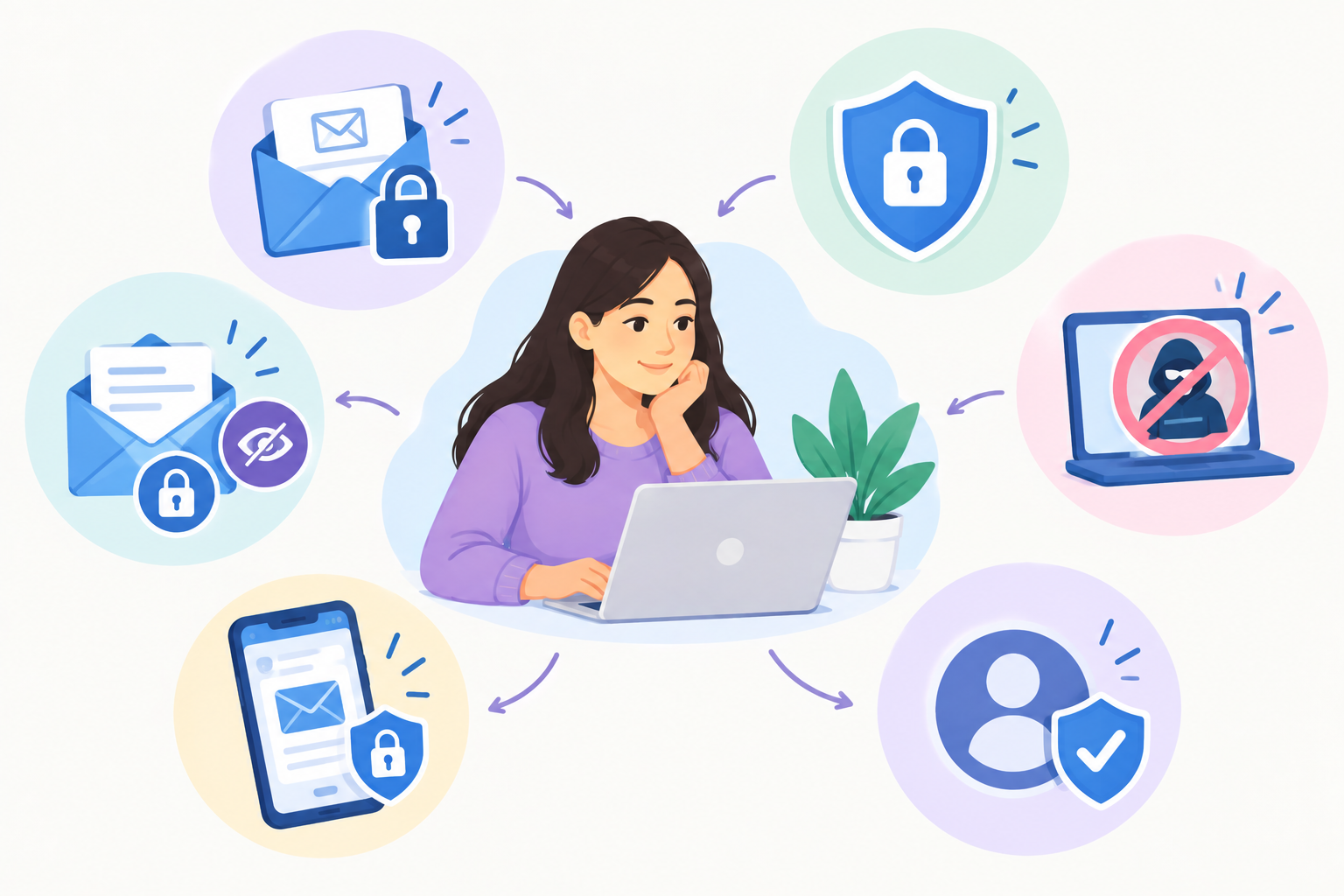
A safer email setup has several layers of protection rather than relying on one feature.
Consider these basic safeguards:
- Use a personal email account rather than a work or school account.
- Use a unique, strong password.
- Enable two-step verification or another strong sign-in method.
- Keep your phone and computer protected with a screen lock.
- Review who has access to the account.
- Turn off or limit sensitive email previews on your lock screen.
- Avoid unnecessary details in subject lines.
- Think carefully before sending sensitive attachments.
- Ask your healthcare provider whether they offer a secure patient portal or another confidential communication method.
- Sign out of shared computers after using your account.
The goal is not to make communication completely invisible. Instead, the goal is to reduce unnecessary exposure and give you greater control over who can access your information.
Should You Use a Separate Email for Abortion Care?
Some people may prefer using a separate personal email account for sensitive healthcare communication. Whether this is appropriate depends on your circumstances.
A separate account can help keep healthcare communication apart from a shared family inbox, workplace account, school account, or an email address used by several people.
However, creating a new account does not automatically make communication private. Consider who controls the recovery phone number or recovery email, whether the account is signed in on another device, and whether someone else knows the password.
If you create a separate account, use credentials that are not shared with another person and review the account’s security and recovery settings.
A separate email should also remain genuinely personal. Avoid using a workplace or school-managed address simply because it is convenient.
Why You Should Avoid Work or School Email for Private Abortion Care
A work or school email account may be managed by an organization rather than solely by you. Depending on the organization’s systems and policies, administrators may control account access, retention, security settings, or other aspects of the account.
For personal healthcare communication, a personal account is generally a more appropriate starting point than an organizational email address.
Before using email, ask the provider which communication methods are available. You may be able to use a patient portal, telephone call, text-based system, or another communication channel instead.
If you are specifically looking for more discreet healthcare options, you can also learn about confidential abortion services.
How to Secure Your Email Account
Account security is one of the most important parts of protecting private healthcare communication.
Use a Unique Password
Choose a password that you do not use for other accounts. Reusing a password can create additional risk if another website or service experiences a security problem.
A password manager can make it easier to create and remember unique passwords without writing them down in an easily accessible place.
Turn On Two-Step Verification
Two-step verification adds another sign-in requirement in addition to your password. This can provide additional protection if someone obtains your password.
Google, for example, describes two-step verification as an additional security layer for Google Accounts.
When selecting an authentication method, consider who has access to the phone, email address, or device used for account recovery.
Review Account Access
Check whether your email account is signed in on:
- Your current phone
- Your personal computer
- A tablet
- An old phone
- A shared computer
- A family member’s device
- A browser you no longer use
Remove access from devices you do not recognize or no longer control.
How to Keep Abortion Email Notifications Private
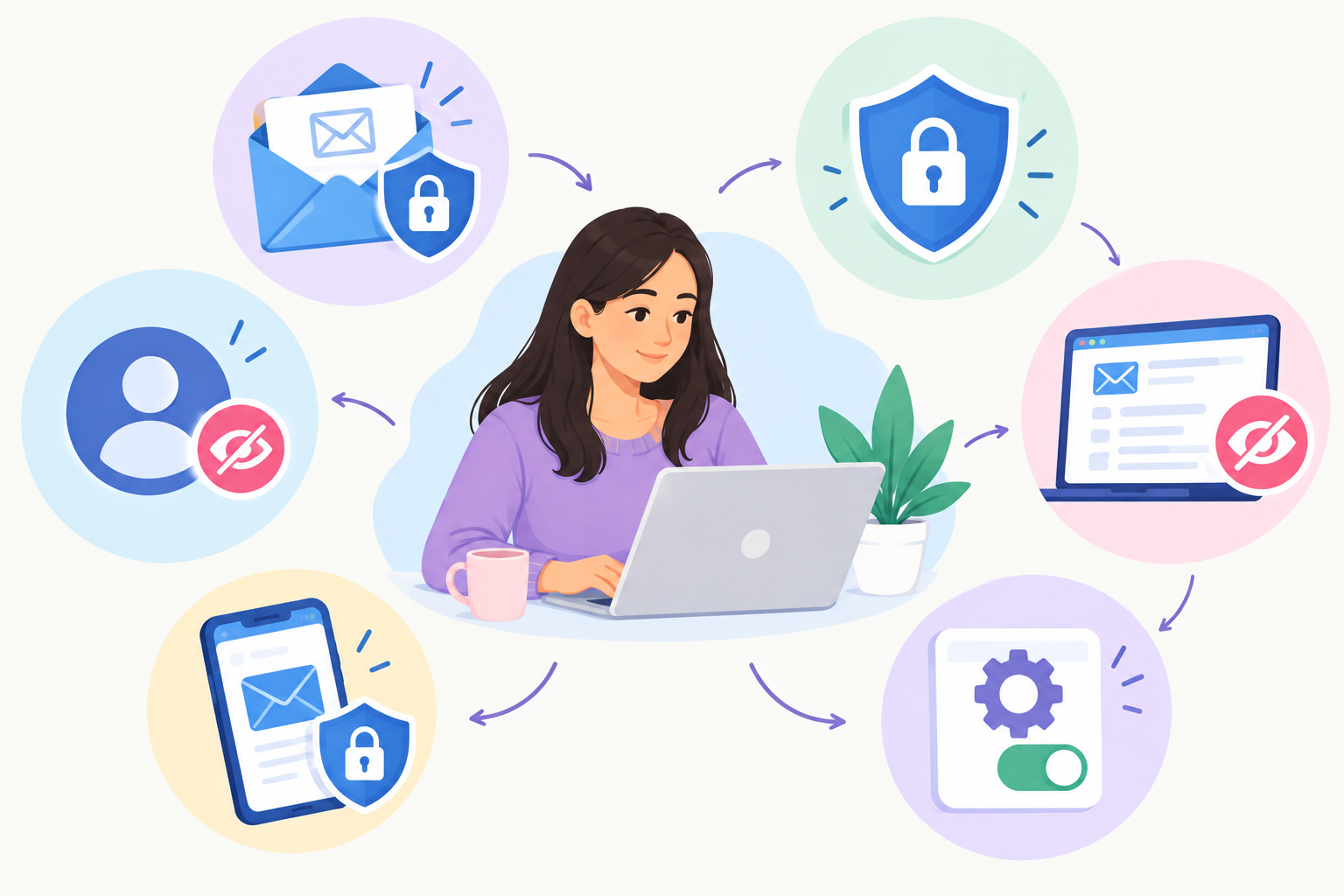
Even if your email account is secure, a notification can reveal information when a message arrives.
Email notifications may appear on a phone’s lock screen or another connected device. Someone who can see your phone could potentially see the sender, subject, or part of a message depending on your notification settings.
On iPhone, notification previews can be configured so that message details are shown only when the phone is unlocked or not shown on the lock screen. Android devices also provide settings for controlling sensitive notification content.
For additional guidance on broader digital privacy, review these recommendations for keeping abortion information private.
Consider Limiting Lock-Screen Previews
Check your phone’s notification settings for your email app.
Depending on your device, you may be able to:
- Hide notification content when the phone is locked.
- Show only that you received an email.
- Turn off email notifications.
- Disable notifications for a specific account.
- Require your phone to be unlocked before message details appear.
These settings can be especially important if other people regularly see your phone.
Be Careful With Email Subject Lines
The subject line is often visible before someone opens an email.
For sensitive healthcare communication, avoid putting unnecessary personal or medical details in the subject line.
For example, instead of writing a highly specific medical description, you could use a neutral subject such as:
Appointment Question
or
Question About My Appointment
The exact wording should still be clear enough for the provider to identify the purpose of the communication.
The principle is simple: include what is necessary, but avoid unnecessary sensitive details.
What Should You Include in an Email to an Abortion Provider?
Before sending an email, consider what information the provider actually needs.
Depending on the reason for contacting them, you may need to provide:
- Your name
- Appointment information
- A general question about your care
- A preferred way to contact you
- Information specifically requested by the provider
Avoid sending unrelated sensitive information simply because there is an option to attach or include it.
If a provider gives you instructions about what information to include, follow those instructions.
Healthcare providers can communicate with patients by email when appropriate and are expected to use reasonable safeguards. HHS specifically advises safeguards such as checking the recipient address and limiting the amount or type of information sent through less-secure email channels.
Should You Email Medical Documents?
Think carefully before sending photographs, identification documents, test results, insurance information, or other sensitive files.
Before attaching a document, ask:
- Does the provider actually need this document?
- Is email the communication method they requested?
- Does the provider have a secure portal?
- Does the file contain information unrelated to the request?
- Could someone else access the email account or device?
- Do I understand how the provider handles uploaded documents?
If a provider offers a secure patient portal specifically for documents, that may be preferable to sending sensitive files through ordinary email.
Do not assume that every email attachment receives the same protections as a secure healthcare portal.
Is Gmail Confidential Mode Private Enough for Abortion Care?
Gmail offers a feature called Confidential Mode that can place restrictions on forwarding, copying, printing, and downloading and can allow an expiration date or passcode for certain messages.
However, Confidential Mode should not be treated as a guarantee that an email cannot be copied or captured. Google notes that recipients can still take screenshots or photographs, and malicious software may create additional risks.
If you use Gmail, consider Confidential Mode only when it is appropriate for the recipient and the type of information being sent. It does not replace basic account security or a provider’s secure communication system.
For highly sensitive healthcare information, ask the provider whether they prefer communication through a secure patient portal or another protected method.
Should You Ask Your Abortion Provider for a Secure Communication Method?
Yes. If email privacy concerns you, asking about communication options is reasonable.
You can ask:
- Do you use a secure patient portal?
- Is ordinary email appropriate for appointment questions?
- What information should I avoid putting in an email?
- Can appointment reminders be sent another way?
- Can you contact me by phone instead?
- Can I request a confidential communication method?
- How are documents handled?
- What will appear in appointment notifications?
HHS guidance recognizes that patients may request alternative means or locations for certain communications when reasonable.
This means you do not have to assume that ordinary email is your only option.
What About Emailing From a Shared Phone or Computer?
A shared device can create privacy concerns even when your email account itself is protected.
Before using a shared device, consider whether:
- Your email account is already signed in.
- The browser saves passwords.
- The browser stores browsing history.
- Email notifications appear on the device.
- Another person has access to the device’s files.
- Your account automatically syncs with another browser or device.
- Your email address appears in autofill.
If you use a device that someone else regularly accesses, review your account session and sign out when finished.
For additional digital privacy steps, you can also read about deleting abortion searches from your phone.
Can an Email Reveal Abortion Care?
An email can contain information that identifies the healthcare service you are discussing. The amount of information visible can depend on the message itself, the sender and recipient, subject line, notifications, attachments, and the accounts or devices involved.
For example, an appointment confirmation may reveal more than a general question if the subject line or message explicitly describes the service.
That does not mean every healthcare email will identify abortion care. The information shown depends on how the provider communicates, what the message contains, and the systems involved.
Email privacy should therefore be considered separately from medical-record privacy. If you have questions about health records, you can review information about whether abortion appears on medical records and whether abortion can go on your health record.
What About Insurance and Email Privacy?
Email privacy and insurance privacy are related but separate issues.
For example, choosing a private email account does not necessarily determine what an insurance company may send through its own systems.
If you are using insurance to pay for care, ask the health plan what communications it sends, where they are delivered, and what information may appear in statements or electronic communications.
You can also learn more about whether an Explanation of Benefits can reveal abortion care and whether abortion pills can be tracked through insurance.
If you are considering paying privately, review information about paying for abortion privately without insurance.
How to Protect Your Email Account After Contacting a Provider
Privacy does not end when you press Send.
After communicating with a provider, consider:
- Whether the message needs to remain in your inbox.
- Whether attachments are still necessary.
- Whether the account is signed in on another device.
- Whether notification previews should remain enabled.
- Whether another person has access to the device.
- Whether your email account recovery information is secure.
- Whether forwarded copies exist in another mailbox.
- Whether you should archive or delete information according to your own privacy needs.
Deleting a message from your inbox does not necessarily mean that every copy has disappeared. A message may also exist in a recipient’s inbox, sent folder, backup system, archive, or another system depending on how the email was handled.
For that reason, do not put information into an email that you would be uncomfortable having retained by the recipient or their email system.
A Simple Safe Email Checklist for Private Abortion Care
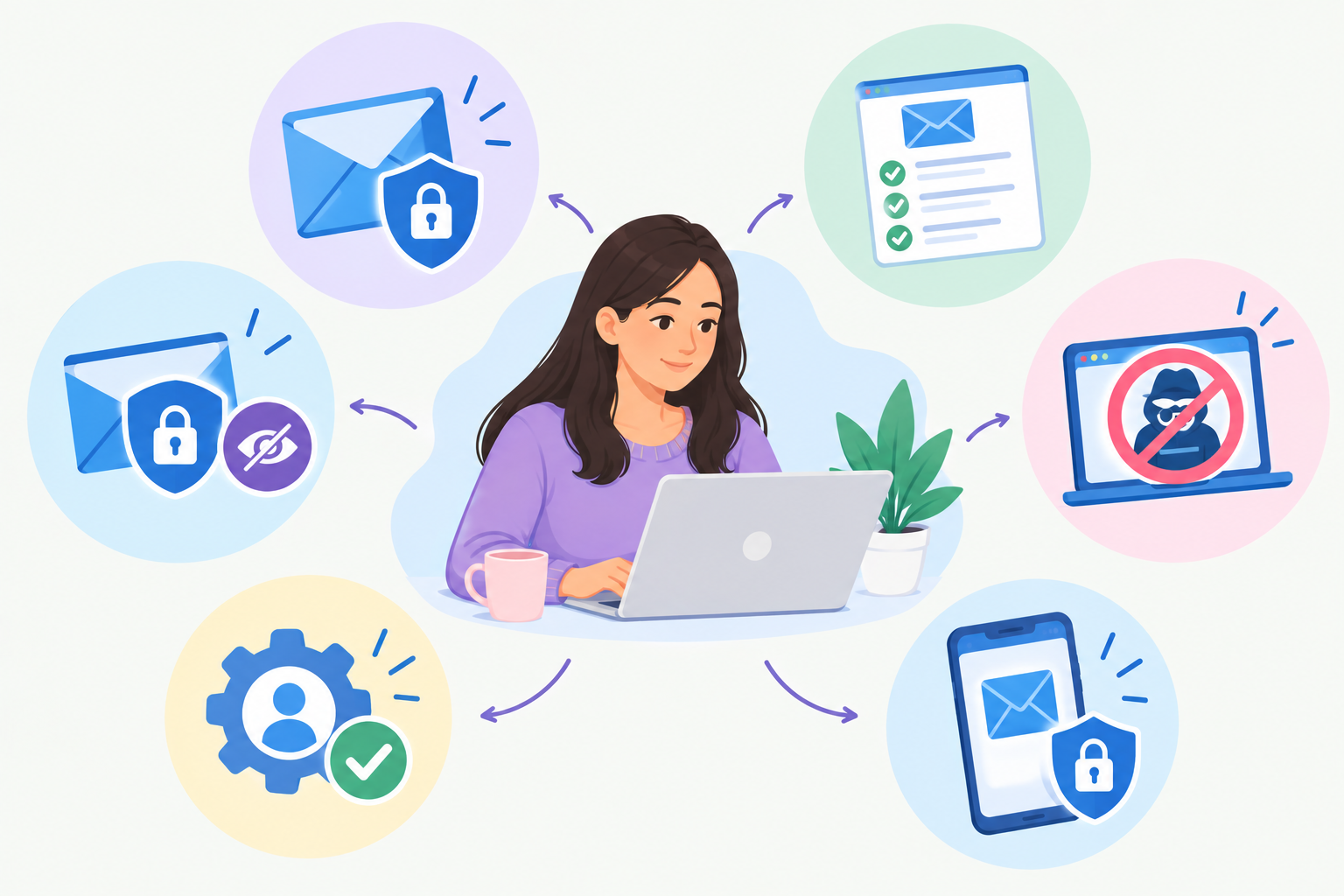
Before contacting a provider, work through this checklist:
Account
- Use a personal email account.
- Use a unique password.
- Enable two-step verification when available.
- Review logged-in devices.
- Check account recovery options.
Phone or Computer
- Use a screen lock.
- Avoid leaving your account signed in on shared devices.
- Review email notification previews.
- Check whether another person can access the device.
Message
- Keep the subject line neutral when appropriate.
- Include only information the provider needs.
- Double-check the recipient’s email address.
- Avoid unnecessary sensitive details.
Attachments
- Send only requested documents.
- Ask whether a secure portal is available.
- Review documents before attaching them.
- Avoid sending unnecessary identifying information.
Provider
- Ask which communication method they recommend.
- Ask whether secure messaging is available.
- Ask what information is appropriate to send by ordinary email.
- Tell the provider if you need a more private way to communicate.
What Email Privacy Cannot Guarantee
No ordinary email strategy can guarantee that information will never be seen, copied, stored, forwarded, or otherwise retained.
The recipient may retain the message. A provider may have its own record-retention practices. An email may also be accessible through another authorized device or account.
Privacy tools reduce certain risks; they do not make digital communication completely invisible.
It is also important to distinguish email privacy from overall abortion privacy. Your email account is only one part of the digital and healthcare information environment.
For broader information, consider reading this guide to protecting abortion privacy and learning more about confidential abortion care.
How Serenity Choice Health Can Help
If you are considering abortion care and have questions about communicating privately, you can ask Serenity Choice Health about available communication and appointment options before sharing sensitive information.
Serenity Choice Health provides abortion-related healthcare and can help patients understand the available care process, appointment options, and communication procedures.
If you are considering telehealth, you can also learn about the benefits of telehealth abortion care and review what Serenity Choice Health includes in its abortion care.
For people concerned about affordability, Serenity Choice Health also provides information about financial help for abortion care and travel and free abortion services in Illinois.
Key Takeaway
Using a safe email for private abortion care involves more than choosing an email provider. Protect the account with a unique password and strong sign-in security, control lock-screen notifications, avoid shared or workplace accounts when possible, limit sensitive information in messages, and ask your provider whether a secure communication method is available.
Most importantly, consider the entire communication chain from your email account and phone to the provider’s system—rather than assuming that one privacy feature can protect everything.
FAQ Section
Can I create a separate email for private abortion care?
Yes. Some people choose a separate personal email account to keep sensitive healthcare communication separate from shared, school, or workplace email. A separate account should still have a unique password, strong sign-in protection, and secure recovery settings.
Can someone see an abortion email on my phone?
They may be able to see information if they can access your unlocked phone, email account, notification previews, or another device where the account is signed in. Review your lock-screen notification settings and account sessions if privacy is a concern.
Is Gmail private enough for abortion care?
Gmail provides account-security and privacy features, including two-step verification and Confidential Mode. However, no email feature guarantees complete privacy. Ask your healthcare provider whether they offer a secure patient portal or another communication method for sensitive information.
Should I use my work or school email for abortion care?
A personal email account is generally more appropriate for personal healthcare communication. Work and school accounts may be managed by an organization, so you may not have the same control over access, retention, or account settings.
Should I send medical documents by email?
Only send documents when they are needed and when the provider indicates that email is an appropriate method. If a secure patient portal is available, ask whether the provider prefers documents to be submitted there.
Can I ask an abortion provider to communicate with me another way?
You can ask what communication methods are available and whether you can use a secure portal, phone call, or another method instead of ordinary email. Tell the provider if privacy is especially important to you so they can explain the available options.

Dr. James Carter is a board-certified physician and lead clinician at Serenity Choice Health, specializing in reproductive health access and medication abortion protocols. With over 20+ years of experience, he combines clinical expertise with patient-centered care to ensure safe, compassionate, and confidential reproductive healthcare.